 MeshCraft
iOS 26+ · iPhone · iPad
MeshCraft
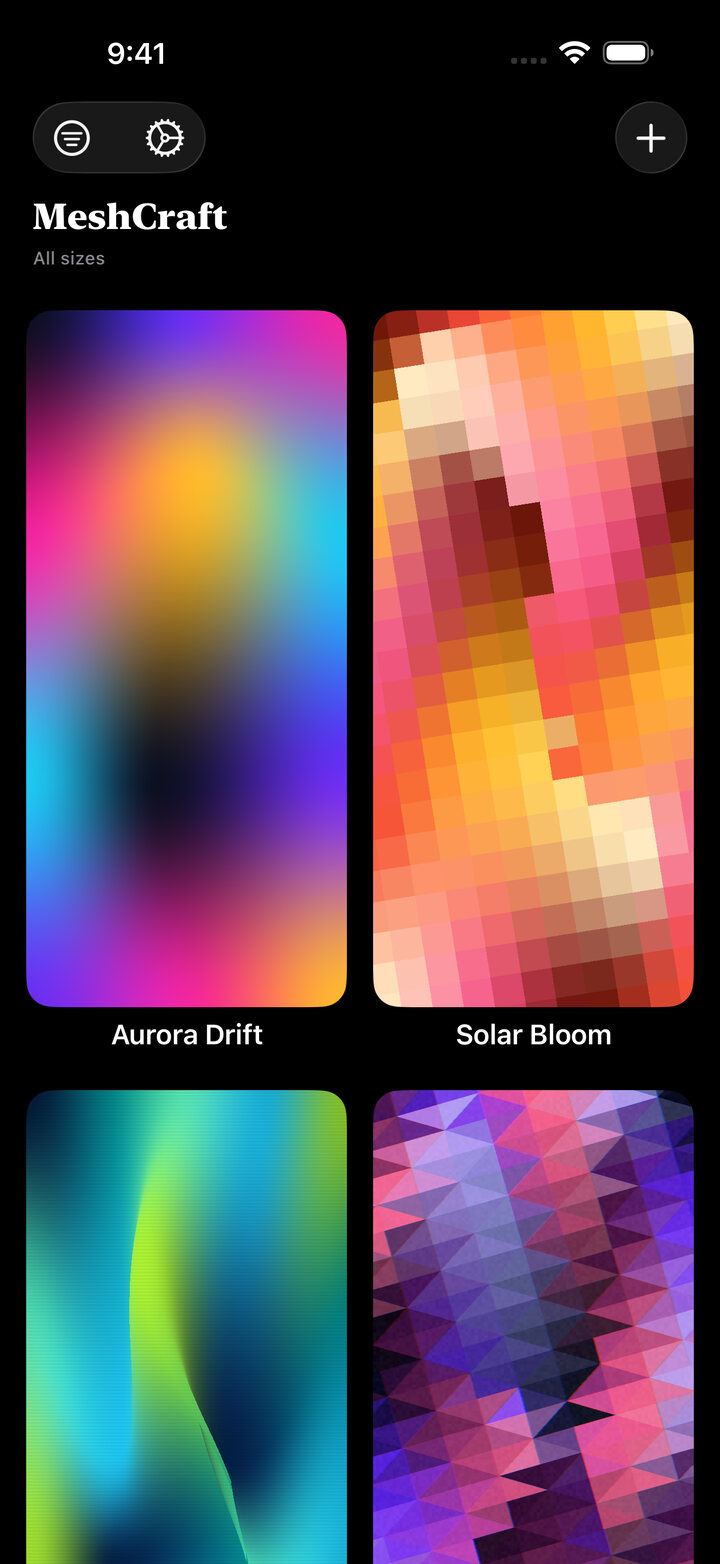
Create polished mesh gradients, wallpapers, backgrounds, and abstract visuals on iPhone and iPad.
Built for color work
A focused studio for expressive gradients.
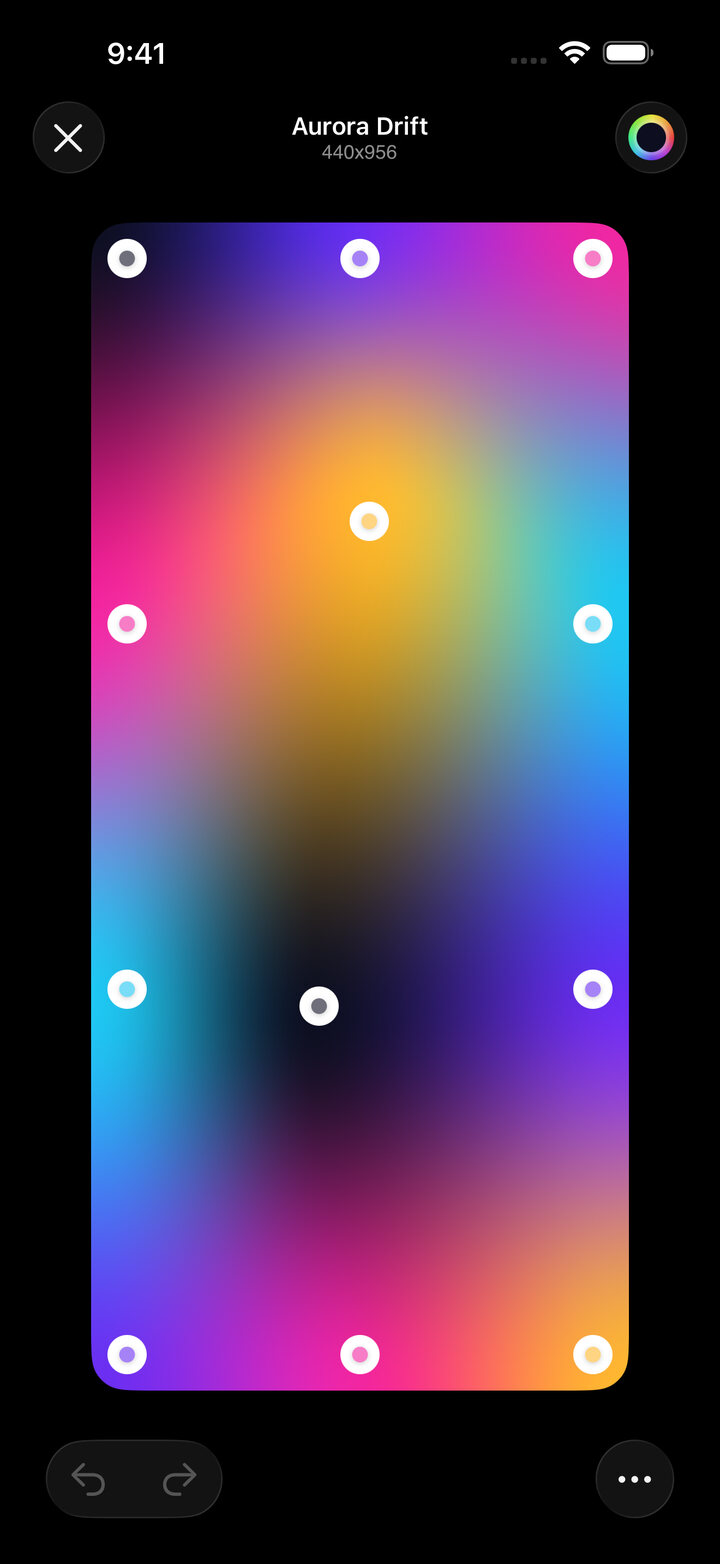
Direct mesh editing
Shape the image by moving control points instead of fighting sliders.
Device-sized exports
Create wallpapers sized for the physical iPhone or iPad display.
Color harmonies
Explore balanced palettes, replace colors, and tune the whole composition.
Apple Intelligence
Use palette suggestions to start faster when a blank canvas feels too quiet.
Overlays and filters
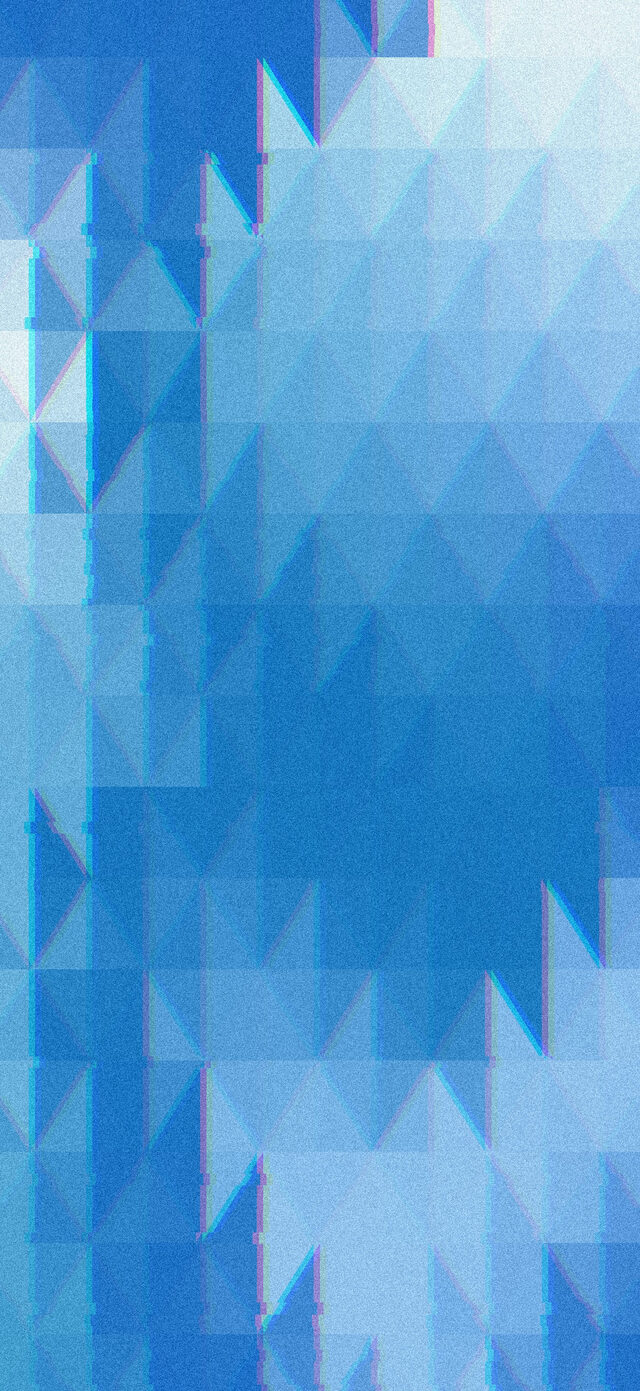
Add texture, grain, scanlines, glitches, vignette, and geometric overlays.
Portrait depth
Blend depth-effect photos with gradients for layered wallpaper artwork.
Undo friendly
Experiment freely with undo and redo while the design takes shape.
Saved library
Keep creations close, filter by size, reopen them, and export when ready.
Shortcuts automation
Fetch saved gradients from Shortcuts and build wallpaper routines around them.
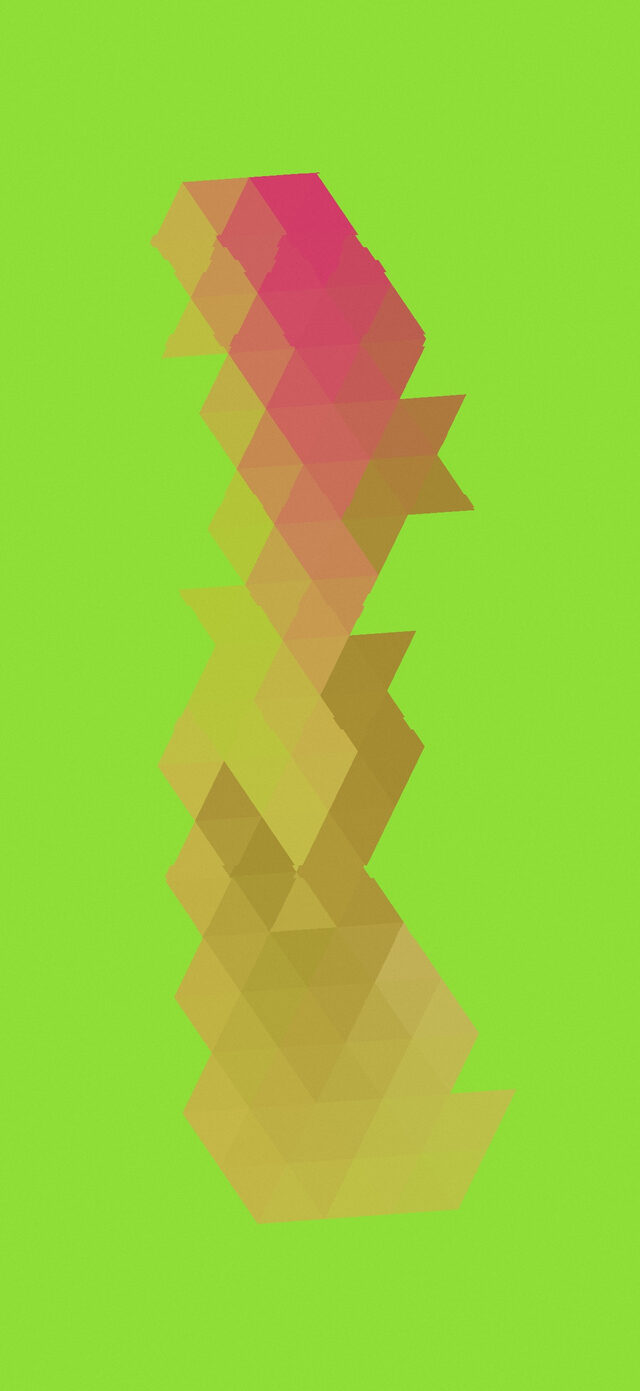
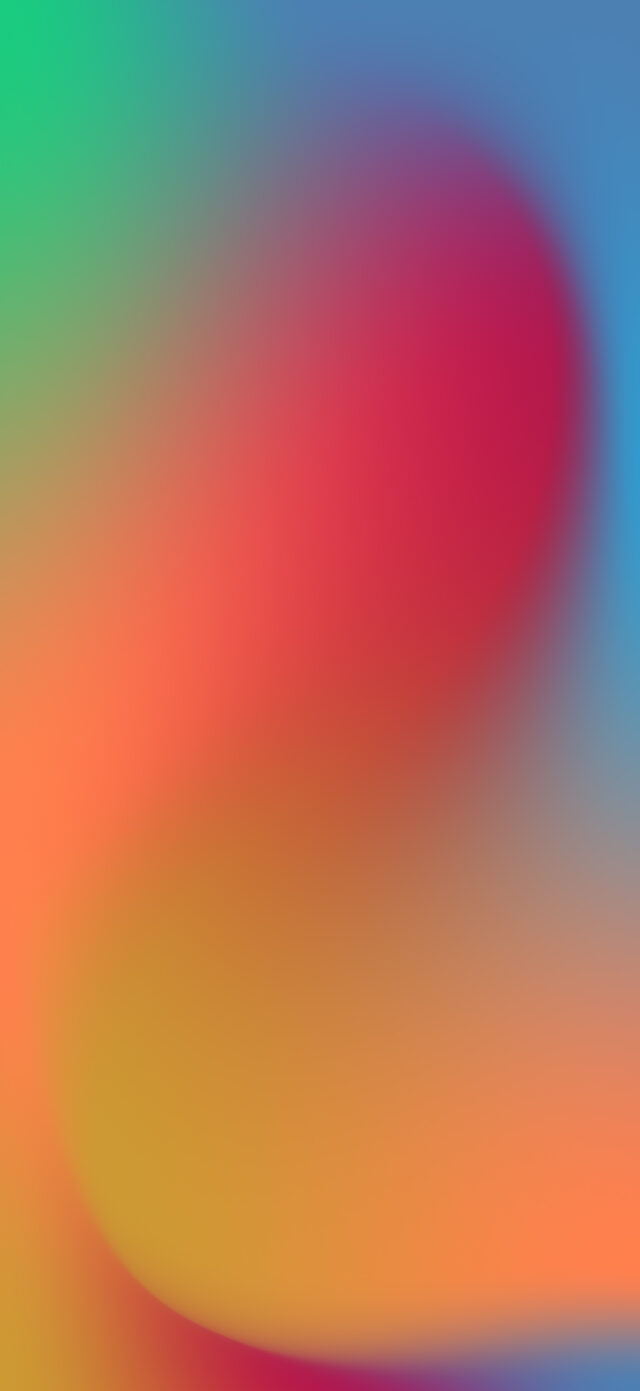
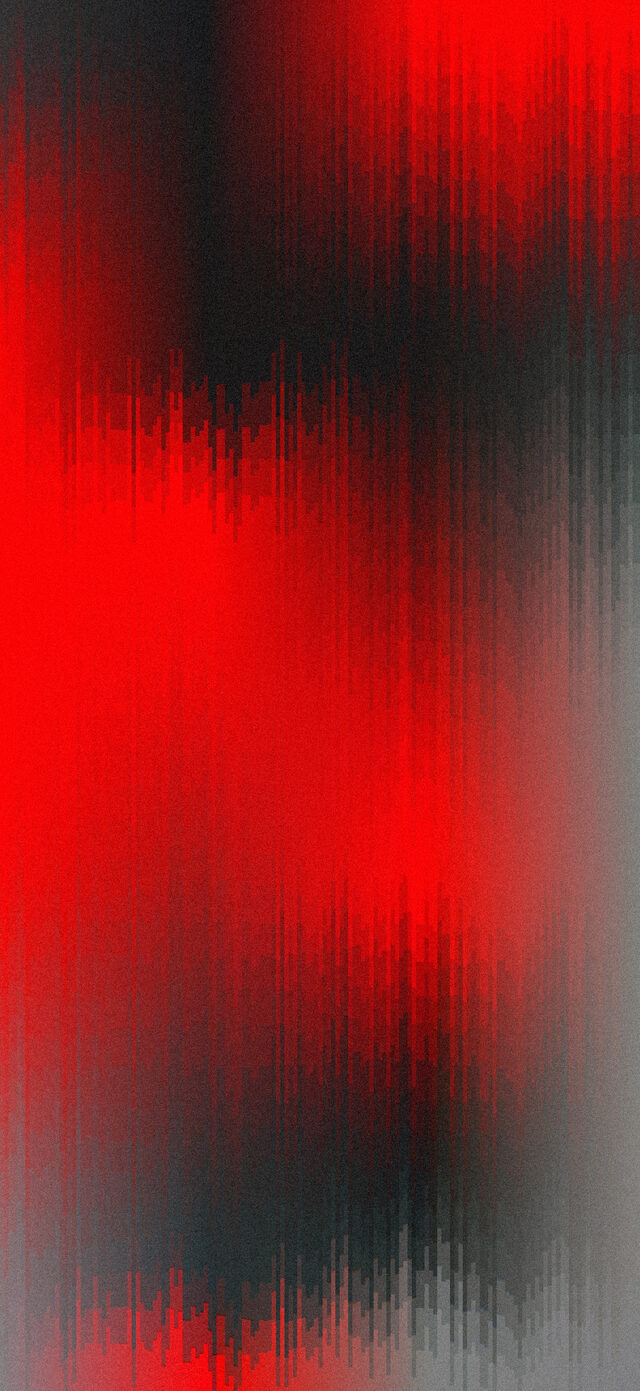
Examples
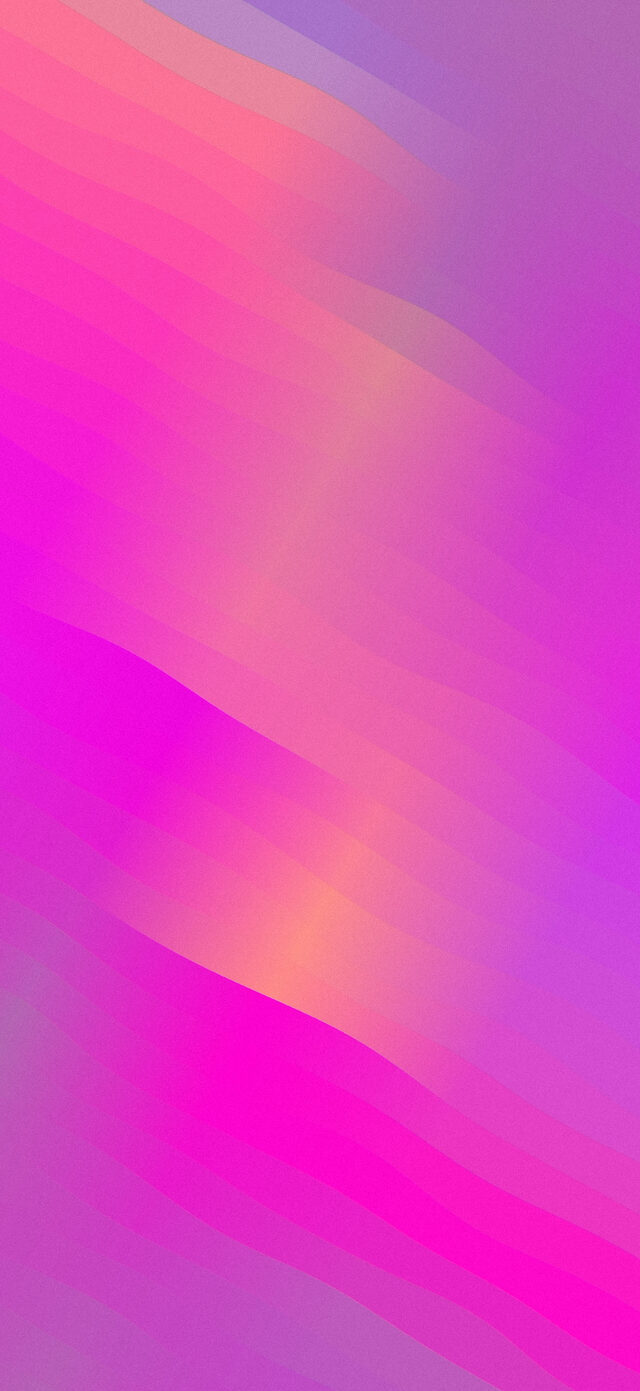
Made for the screen you carry.




Apple platform native
Modern iOS technology, no web service required.
MeshCraft is built as a native Apple app with local-first creative data and iCloud sync for the user's own account.
Modern iOS 26 interface styling for controls and editing surfaces.
Local model persistence for saved meshes and editor state.
Private account sync across the user's Apple devices.
GPU-backed overlays, filters, and export rendering.
Native gradient rendering tuned for fluid color fields.
Palette generation to help users find fresh color directions.
Shortcuts actions for retrieving saved and random meshes.
Adaptive iPhone and iPad screens with contextual discovery tips.
Support
Help for MeshCraft.
Requirements
MeshCraft requires iOS 26 or later. It is available for iPhone and iPad, and some interface details may adapt to the device size.
iCloud sync
MeshCraft supports iCloud. To sync saved creations across devices, sign in to an iCloud account on each device and keep iCloud enabled in Settings.
Creating a gradient
Start with a device, square, or custom size. Drag mesh points to shape the gradient, adjust colors, apply overlays or filters, then save or export the result.
Exporting to Photos
If exporting fails, check Photos permissions in iOS Settings and confirm there is enough storage available on the device.
Shortcuts
MeshCraft exposes App Intents to Shortcuts so automations can retrieve a selected, latest, or random saved mesh image.
Missing creations
If saved meshes do not appear after installing on a new device, confirm the same iCloud account is signed in and give iCloud time to finish syncing.
Apple Intelligence palettes
Palette suggestions depend on Apple Intelligence availability for the device, region, and language. The editor still works without them.
Crashes or glitches
Keep MeshCraft and iOS updated. Crash diagnostics may be sent through Sentry to help fix stability problems without identifying the user.
Privacy Policy
MeshCraft keeps creative data with the user.
Last updated May 15, 2026.
Overview
MeshCraft is a native iPhone and iPad app for creating mesh gradients and wallpapers. The developer, Damien Legrand, does not operate an app backend for storing user-created MeshCraft content.
User-created content
Gradients, saved meshes, editor settings, and exported images are kept on the user's device. When iCloud is available and enabled, MeshCraft can sync app data through the user's private iCloud account. The developer does not keep a separate copy of that data on a developer-run server.
iCloud
iCloud sync is provided by Apple. Users can manage iCloud account settings, iCloud storage, and device sync behavior in iOS Settings. Deleting MeshCraft data from the app or device may remove the corresponding synced app data according to Apple's iCloud behavior.
Crash diagnostics
MeshCraft uses Sentry only to collect crash reports, performance data, and technical diagnostic information needed to improve app stability. These diagnostics are not used for advertising, tracking, or user profiling, and they are not intentionally linked to a user's identity.
No advertising tracking
MeshCraft does not use third-party advertising SDKs and does not sell user data. MeshCraft does not track users across other companies' apps or websites.
Website note
This GitHub Pages site is a static public website. It may load fonts and icons from external CDNs selected for presentation, but the MeshCraft app privacy practices described here are separate from ordinary website hosting request logs handled by GitHub or CDN providers.
Changes
This policy may be updated when MeshCraft changes how it stores data or uses diagnostics. The updated policy will be published on this page.